Shipment transit status in Shopify
Overview
- Use DHL Express Commerce to update ‘Out for delivery’ & ‘Delivered’ shipment transit status to trigger Shopify’s shipping status notifications.
How it works
Trigger ‘Out for delivery’ & ‘Delivered’ notifications in Shopify
- Log into your Shopify account.
- Click Settings in the left navigation menu.
- Select Notifications.
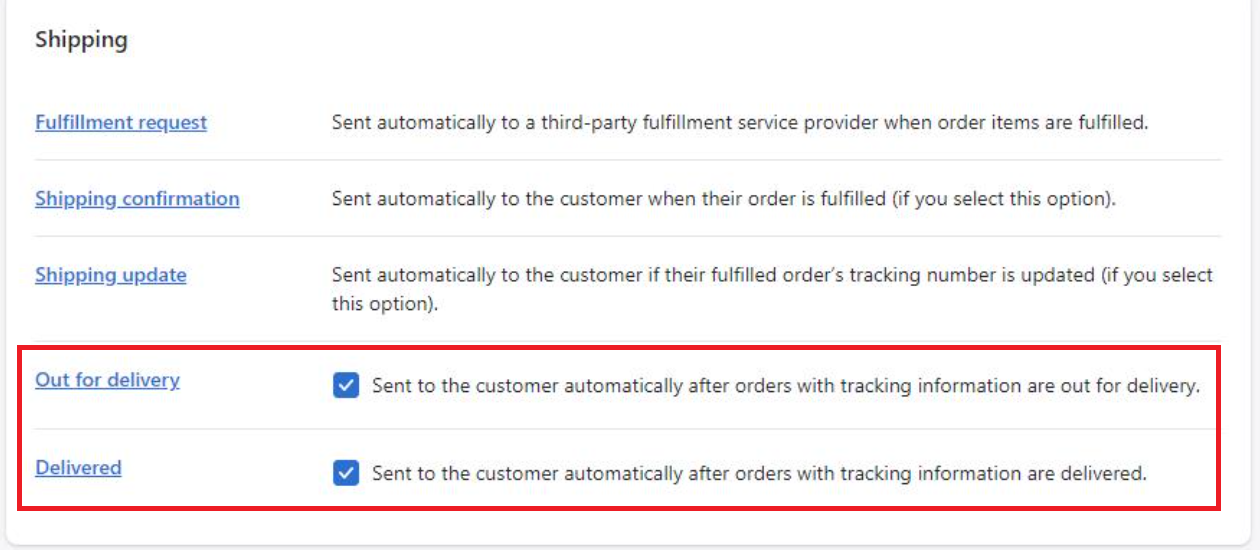
- Scroll down to the Shipping section.
- Select the transit status notifications you’d like Shopify to send.